
Chartering
Agree the terms.
Build an offer from a voyage estimate. Route the terms for internal approval, then share that version with the charterer for review.
Shipsider Hub
Bring chartering, operations and finance into one maritime ERP, with the apps, forms and approvals your company chooses.
Follow an offer from the chartering desk to the customer. The team prepares the terms, Studio defines who reviews them, and the customer sees the version shared with them.
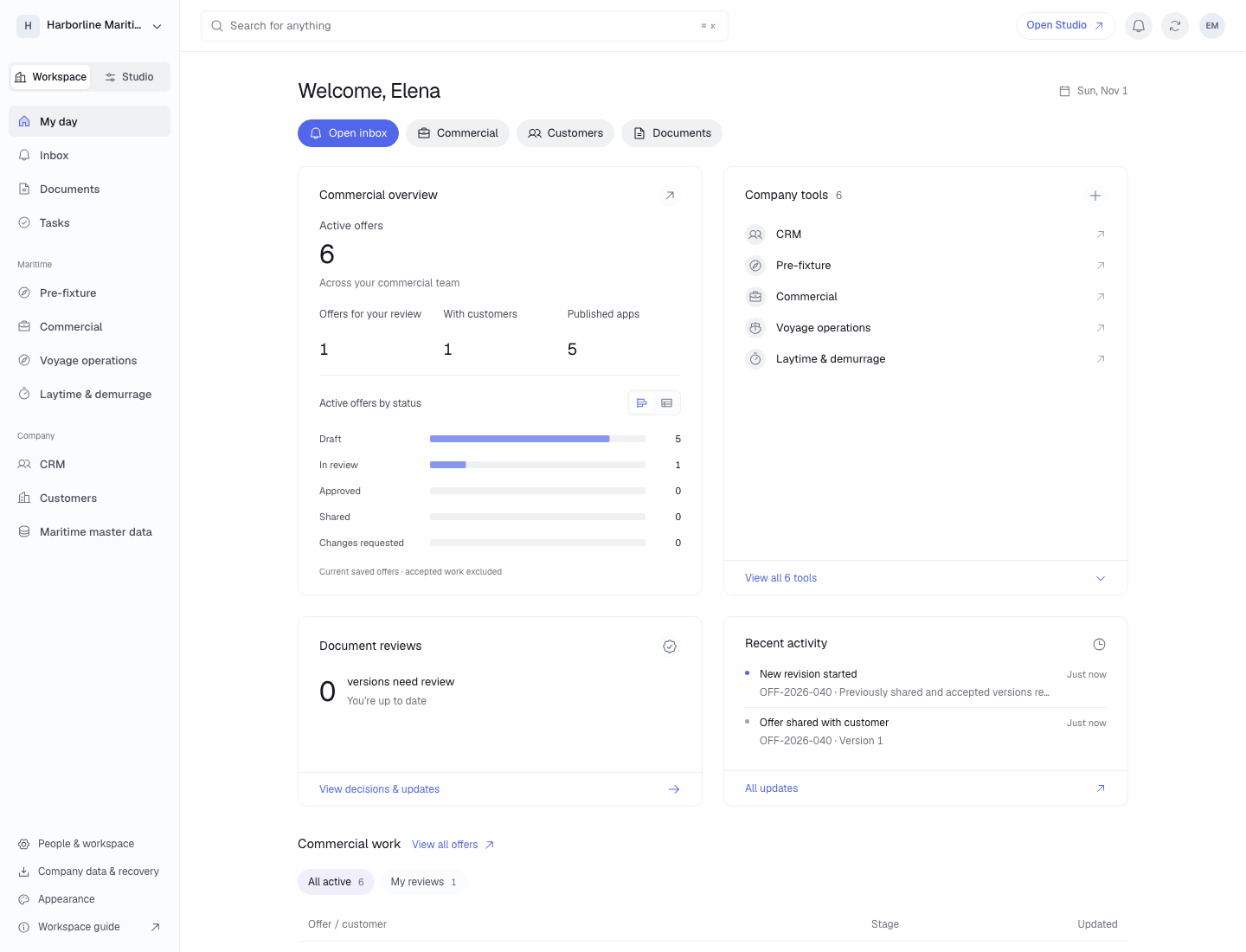
A chartering manager can see which offers need internal review and which are with customers, then open an offer to read its terms.
 View full size (opens in a new tab)
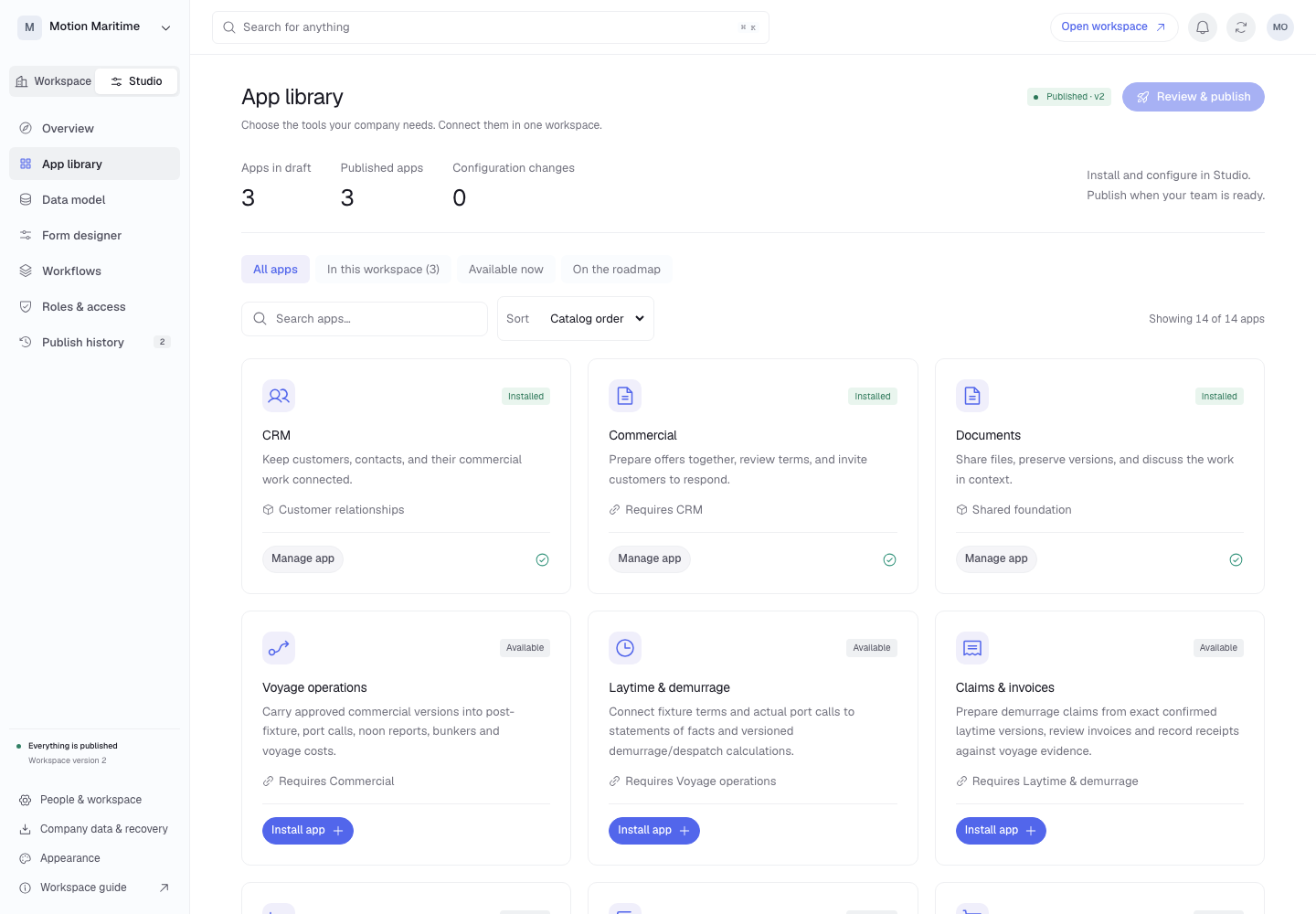
Administrators choose the apps their company needs, add fields to an offer and set its approval route. Publishing makes those changes available to the team.
 View full size (opens in a new tab)
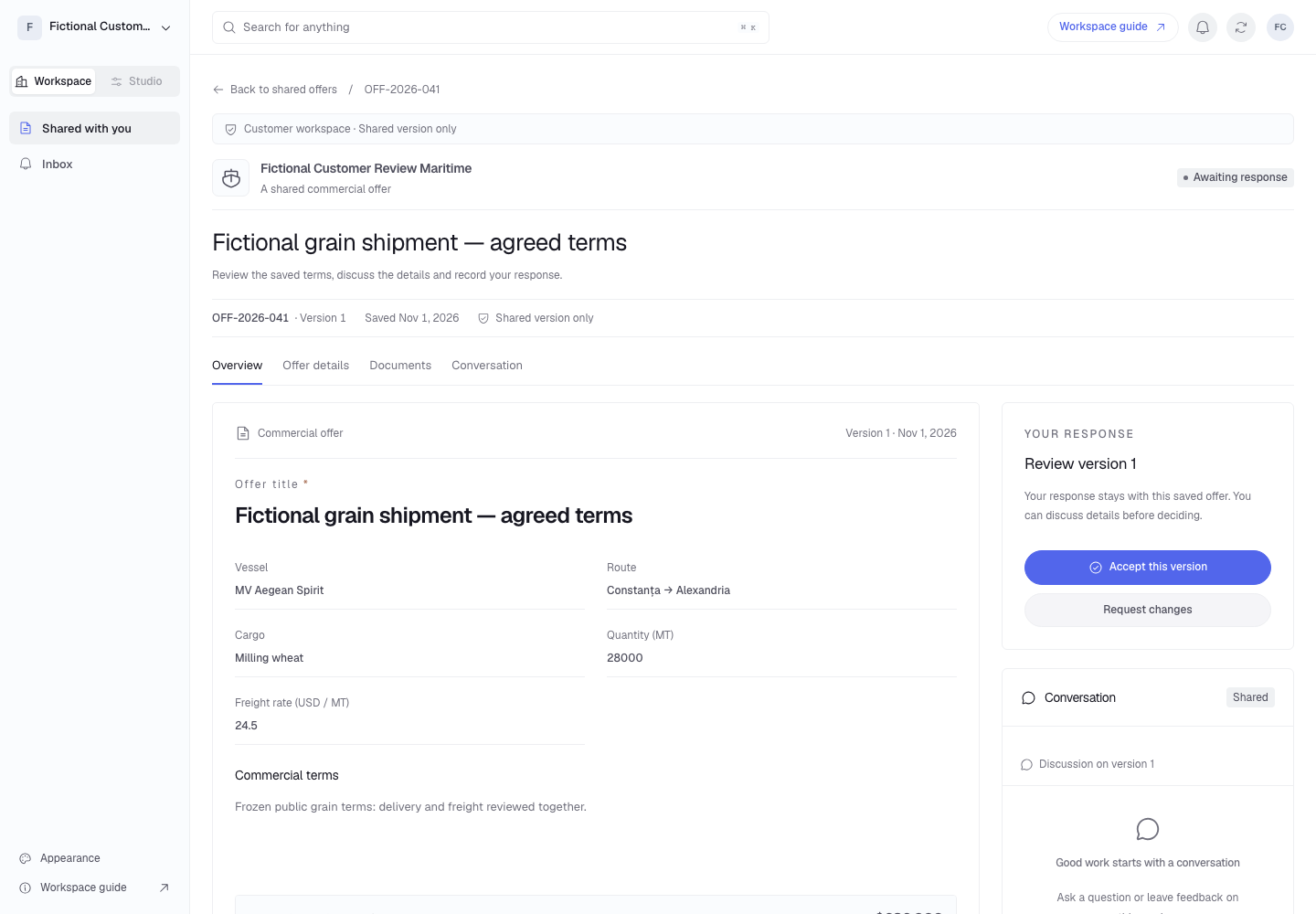
A customer can check the vessel, cargo and freight rate on the shared offer, discuss a term, then accept that version or request changes.
 View full size (opens in a new tab)
Follow the agreed terms from the chartering desk to the port call and the claim.
Load
Santos
12 Mar
Sea passage
17 days
12–29 Mar
Discharge
Qingdao
30 Mar
Claims
Settlement
04 Apr
Build an offer from a voyage estimate. Route the terms for internal approval, then share that version with the charterer for review.
Open the voyage from the signed charter party. Keep the agreed terms in view as operators record arrivals, departures and cargo movements.
Prepare a demurrage claim from a confirmed laytime calculation. Follow the claim through invoicing and receipts with the calculation that supports it.
See how your team’s fixtures, approvals and port calls fit into Hub.